Learn the design tools, visual judgement and portfolio process employers actually see
Build practical creative capability through 30+ guided hours of graphic design training in Dubai and live online across the UAE. The course combines live teaching, recordings, an AI-powered LMS, structured practice, project feedback and portfolio-led work across Photoshop, Illustrator, InDesign, Canva and Figma fundamentals.
EduDelphi provides KHDA-approved graphic design training and course-completion certification. This is a practical professional course, not a university degree or an Adobe certification examination.
A practical graphic design course for workplace and freelance-ready output
Graphic design is not only software operation. It is the ability to understand a brief, organise information, choose a visual direction, work with type and imagery, make a layout readable and prepare the final asset properly.
That is why the course moves from design principles into real deliverables such as social-media creative, a simple brand identity, a print-ready brochure or menu, and a portfolio presentation of the work.
Short course, not a design degree
Choose this route when you want focused, trainer-led practical skills and a starter portfolio. Choose a degree when you need a multi-year academic design pathway. Choose a single-tool class when you only need Photoshop, Illustrator, Canva or Figma.
A connected learning system for building design confidence
Trainer-led creative instruction
Dubai classroom or UAE-time live online sessions explain design choices, demonstrate workflow and let learners ask practical questions while building.
Recordings, LMS and visual notes
Return to recorded lessons, concise explainers, mind maps, infographics and guided exercises when work or study interrupts the first pass.
Projects, review and portfolio polish
Build work from a brief, receive practical feedback and improve the final output rather than collecting disconnected software exercises.
Projects that make the course visible in your portfolio
Brand identity starter
Logo direction, colour system, typography choices and a simple brand-use sheet for a fictional Dubai business.
Output: a coherent visual identity
Social campaign set
A coordinated series of feed, story and promotional creative adapted from one campaign concept without looking copied or repetitive.
Output: a practical social-media set
Print or presentation layout
A brochure, menu, company-profile spread or presentation page using hierarchy, grids, imagery and export-ready files.
Output: a polished multi-page layout
From a rough brief to a clear design decision
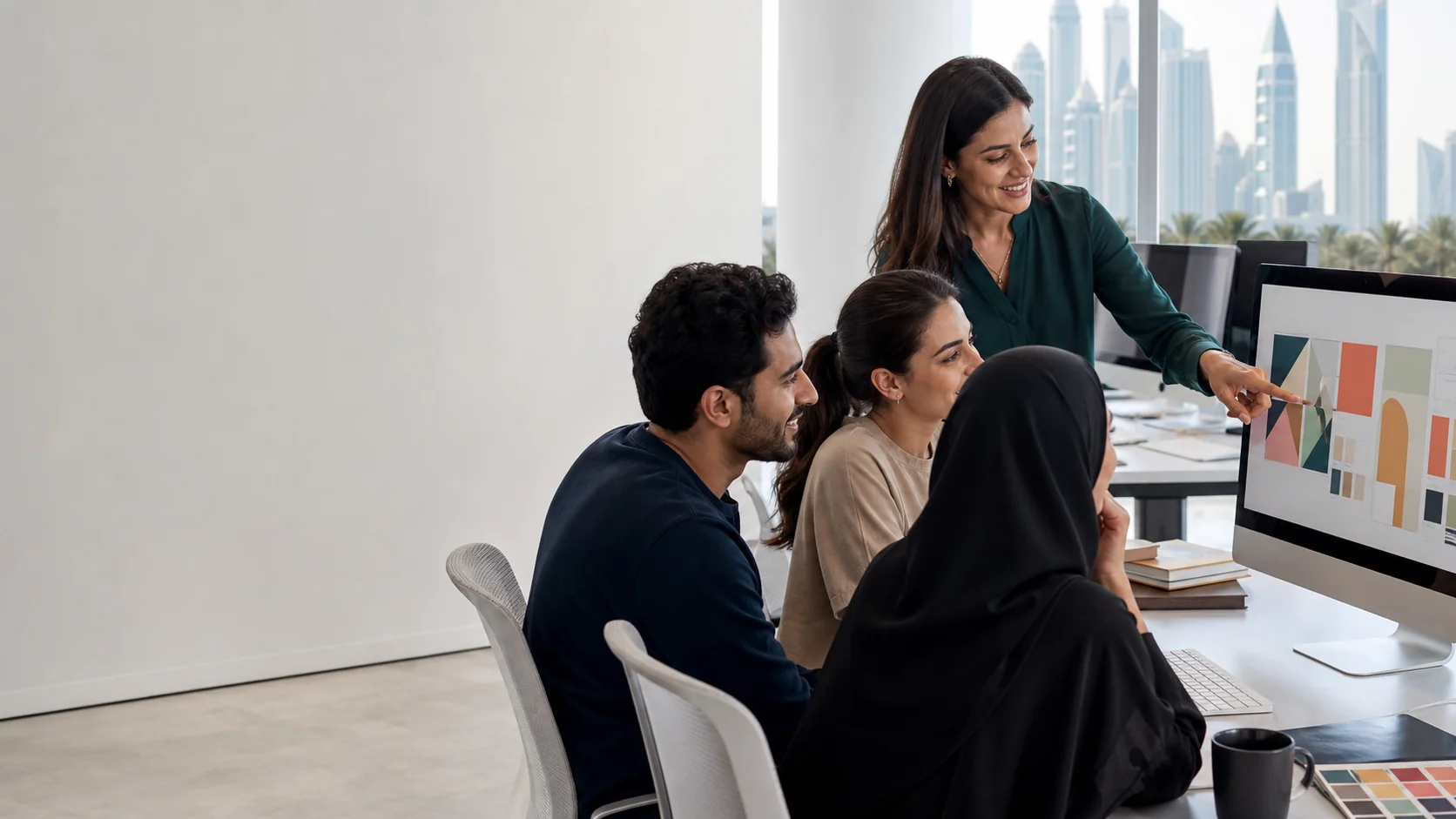
Learners begin by identifying the audience, message and format. They then organise content, explore visual direction, build the asset in the right tool, check consistency and prepare it for the real use case.
Design foundations, software workflow and portfolio development
The syllabus is structured for learners who need both design judgement and the confidence to create useful digital and print assets.
Module 1: Design thinking, briefs and visual communication
- Understanding audience, message, format and constraints before opening a tool.
- Contrast, alignment, repetition, proximity, balance and visual hierarchy.
- Turning a business request into a clear, actionable design brief.
Module 2: Typography, colour and layout systems
- Type pairing, readability, spacing, grids and hierarchy.
- Colour relationships, accessibility-minded contrast and brand consistency.
- Using layouts to make social, print and presentation assets easier to scan.
Module 3: Adobe Photoshop for image-led creative
- Workspace, layers, selections, masking, retouching and image correction.
- Social creative, campaign assets, image composition and export basics.
- Choosing the right image dimensions, resolution and format for the job.
Module 4: Adobe Illustrator for vector and brand assets
- Paths, shapes, drawing tools, colour, type and vector workflow.
- Logo concepts, icons, simple illustrations and brand-supporting graphics.
- Preparing scalable assets for digital and print use.
Module 5: Adobe InDesign for multi-page and print layouts
- Document setup, master pages, styles, grids and image/text placement.
- Brochures, menus, company-profile pages and print-aware layout decisions.
- Packaging and exporting files for review or production handoff.
Module 6: Canva and Figma fundamentals in a modern workflow
- Using templates responsibly while maintaining hierarchy and brand consistency.
- Fast social, presentation and collaboration workflows.
- Figma fundamentals for simple interface, wireframe and collaborative visual work.
Module 7: AI-assisted design and responsible creative workflow
- Moodboard direction, reference-led ideation and AI-supported image exploration.
- Photoshop and Firefly-style generative workflow awareness where current access allows.
- Human review of typography, composition, artifacts, resolution, brand consistency and provenance.
Module 8: Campaign design, production, critique and portfolio presentation
- Adapting one idea across social, print and presentation formats.
- File naming, export, feedback, revision and basic handoff discipline.
- Working from a realistic brief, critique and portfolio presentation.
Use the right tool for the creative problem
Core Adobe tools build production capability. Canva and Figma fundamentals support faster commercial collaboration without replacing design judgement.
 Adobe PhotoshopImage editing
 Adobe IllustratorVector design
 Adobe InDesignLayout and print
 CanvaFast commercial creatives
 Figma BasicsModern design workflow
Software access and version arrangements can differ by learner and batch. Get current setup guidance before joining.
AI-assisted design without losing creative control
AI can accelerate moodboard exploration, image expansion, first-pass visual directions and production support. It does not replace a clear brief, typography, hierarchy, composition, colour or critique.
Where current access and licensing allow, learners explore responsible Photoshop and Firefly-style generative workflows, including reference-led ideation, generated-image review, artifact checking, resolution checks and brand consistency.
Responsible creative workflow
Use AI to explore and improve, not to accept output blindly. Review generated assets for quality, provenance, text errors, visual artifacts, rights considerations and production readiness before using them in a design.
Design still starts before the AI prompt.
Design work is strongest when it fits the local business use case
Dubai organisations frequently need clear visual communication across hospitality, retail, real estate, events, clinics, education, professional services and e-commerce. The course uses business-style briefs so a learner practises adapting a message to a real format rather than designing in a vacuum.
Examples can include a restaurant menu refresh, an event-promotion series, a property listing pack, a retail campaign or a company-profile page. These are learning cases, not claims of employment or client work.

Graphic design training for beginners, working professionals and business owners
Career starters
Build a practical foundation and starter portfolio before applying for junior creative, marketing-support or content roles.
Marketing and social teams
Create better day-to-day campaign, presentation and social assets while working more effectively with designers.
Entrepreneurs and freelancers
Develop more control over brand presentation, client-ready work and the visual side of a small business.
Choose a format that works around your schedule
Dubai classroom
Trainer-led, in-person sessions from the Delphi Star Training Center near BurJuman Metro, subject to active batch schedules.
UAE-time live online
Live instruction for professionals in Abu Dhabi, Sharjah, Ajman and the other Emirates, supported by recordings and LMS access.
Flexible routes
Hybrid, self-paced reinforcement and one-to-one options can be discussed based on prior experience, timetable and target output.
30+ guided hours
Allow additional independent time for practice, project revision and portfolio refinement after live learning.

Show the work, explain the choices and keep improving it
A portfolio does not need to be huge to be useful. It needs a small number of well-presented projects that show what problem you were solving, who the work was for, the visual direction you chose and how you improved it after feedback.
EduDelphi’s practical review process helps learners move from an exported file to a more coherent presentation of their capability. It does not guarantee a job, freelance income or a client outcome.
Learn with creative trainers who keep commercial design decisions practical

CREATIVE DESIGN TRAINER · MASS MEDIA COMMUNICATION · 2D & 3D ANIMATION BACKGROUND
Kanchan brings strong experience across Adobe tools, branding, print creatives, social-media design and video editing. Her Mass Media Communication and 2D/3D Animation background helps learners build practical confidence and portfolio-ready work for creative roles and freelance opportunities.

CREATIVE DESIGN MENTOR · BRANDING & CAMPAIGN SPECIALIST
Pankaj guides learners on branding decisions, campaign thinking, portfolio polish and production-ready print and digital handoff. His mentoring connects design work to the practical standards teams and clients expect from commercial creative assets.
Plan your training fee and learning format clearly
EduDelphi training fee in AED
Course fees are quoted based on your selected delivery route, current batch, support format and any one-to-one or corporate requirements.
Request current AED options
EMI and instalment guidance can be discussed for eligible payment routes.
Software and learning setup
Tool access and device setup can vary. Before joining, confirm the current software requirements, class format and what support is included in your selected batch.
Get the current setup checklist
This avoids assuming that a particular Adobe subscription, laptop or software version is included.
Attend in the BurJuman and Mankhool area, or learn live online across the UAE
Delphi Star Training Center
Building R308, Office 401
Near BurJuman Metro Exit 3
Dubai, United Arab Emirates
+971 4 396 3634
Dubai classroom delivery is available when a cohort is active. UAE-time live-online learning is suitable for learners in Abu Dhabi, Sharjah, Ajman and the other Emirates without creating thin city-specific duplicates.
Graphic design course vs a single software class vs UI/UX or a degree
| Route | Best when | Main outcome |
|---|---|---|
| EduDelphi graphic design course | You need a structured practical foundation across design principles, multiple tools and portfolio projects. | Broad starter capability for print, social and brand-supporting creative work. |
| Photoshop, Illustrator or Canva class | You only need depth in one existing work tool. | Focused software confidence. |
| UI/UX and Figma course | You want product, website or app interface design as the main direction. | User-interface and product-design workflow. |
| Graphic design degree | You need a multi-year academic route, deeper theory and a university qualification. | Formal academic design education. |
Need a more tool-specific path? Explore WordPress web design training in Dubai or discuss the best next step with the team.
Graphic design capability for Dubai and UAE teams
Custom business cases
Use approved company examples such as campaign, presentation, brand or social-content workflows where appropriate.
Role-based cohorts
Plan beginner, marketing-support or creative-team sessions around the skills each group actually needs.
Flexible delivery
Discuss onsite Dubai, classroom, hybrid or UAE-time live-online delivery for company groups.
Graphic design course in Dubai and UAE
What is included in the graphic design course?
EduDelphi combines trainer-led teaching, recordings, AI LMS support, visual notes, structured practice, projects, feedback and portfolio-oriented review across the course tool stack.
How long is the graphic design course in Dubai?
The route includes 30+ guided training hours. Learners should also allow separate time for practice, revisions and portfolio refinement.
Which graphic design tools are covered?
The course covers Photoshop, Illustrator, InDesign, Canva and Figma fundamentals in the context of practical visual communication and portfolio projects.
Is this course suitable for beginners?
Yes. It is structured for beginners, career starters, marketers, business owners and professionals who need a more organised creative workflow.
Do I receive a certificate?
Learners receive EduDelphi course-completion certification and the applicable KHDA course-completion documentation. The course does not claim to award an Adobe certification.
Can I attend graphic design classes in Dubai?
Yes. Classroom batches are available in Dubai when scheduled, alongside UAE-time live-online and other flexible delivery options.
Can I join from Abu Dhabi, Sharjah or elsewhere in the UAE?
Yes. Live-online delivery supports learners across the UAE, while active classroom cohorts run in Dubai.
Does the course include Photoshop, Illustrator and InDesign?
Yes. Each is used for the type of work it is best suited to: image-led creative, vector/brand assets and multi-page layout respectively.
Is Canva included?
Canva fundamentals are included as part of a modern workflow, with focus on maintaining design consistency rather than relying blindly on templates.
Does this course guarantee a graphic design job?
No. The course helps learners build capability and portfolio-ready work, but employers and clients consider many factors including experience, communication, portfolio quality and role requirements.
What are graphic design course fees in Dubai?
Fees are quoted in AED based on the delivery option and selected support route. Request the current fee breakdown and batch information.
Are instalment options available?
EMI and instalment guidance can be discussed for eligible routes. Ask for the current options when requesting your fee breakdown.
Do you provide corporate graphic design training in Dubai?
Yes. Corporate training can be discussed for marketing, communications, creative and business teams through onsite, hybrid or UAE-time live-online delivery.
Get fees, syllabus and Dubai batch options
Share your current level, preferred learning format and the type of design work you want to build. We will send the current AED course fee, available Dubai or UAE-time batches, course inclusions and setup guidance.